FIELD NOTE // DEVOPS
The Photo LXC: My Home Photo Cloud
A home for my photos
One of the services running in my home lab is dedicated to something much more personal than monitoring or networking: my photo library. I used Amazon Photos and Google Photos for years because they offer free storage, but the available space is limited and eventually requires a subscription. Amazon Photos also does not store videos in the same way, so I wanted a solution that would let me manage my own photo and video library without constantly checking how much storage I had left.
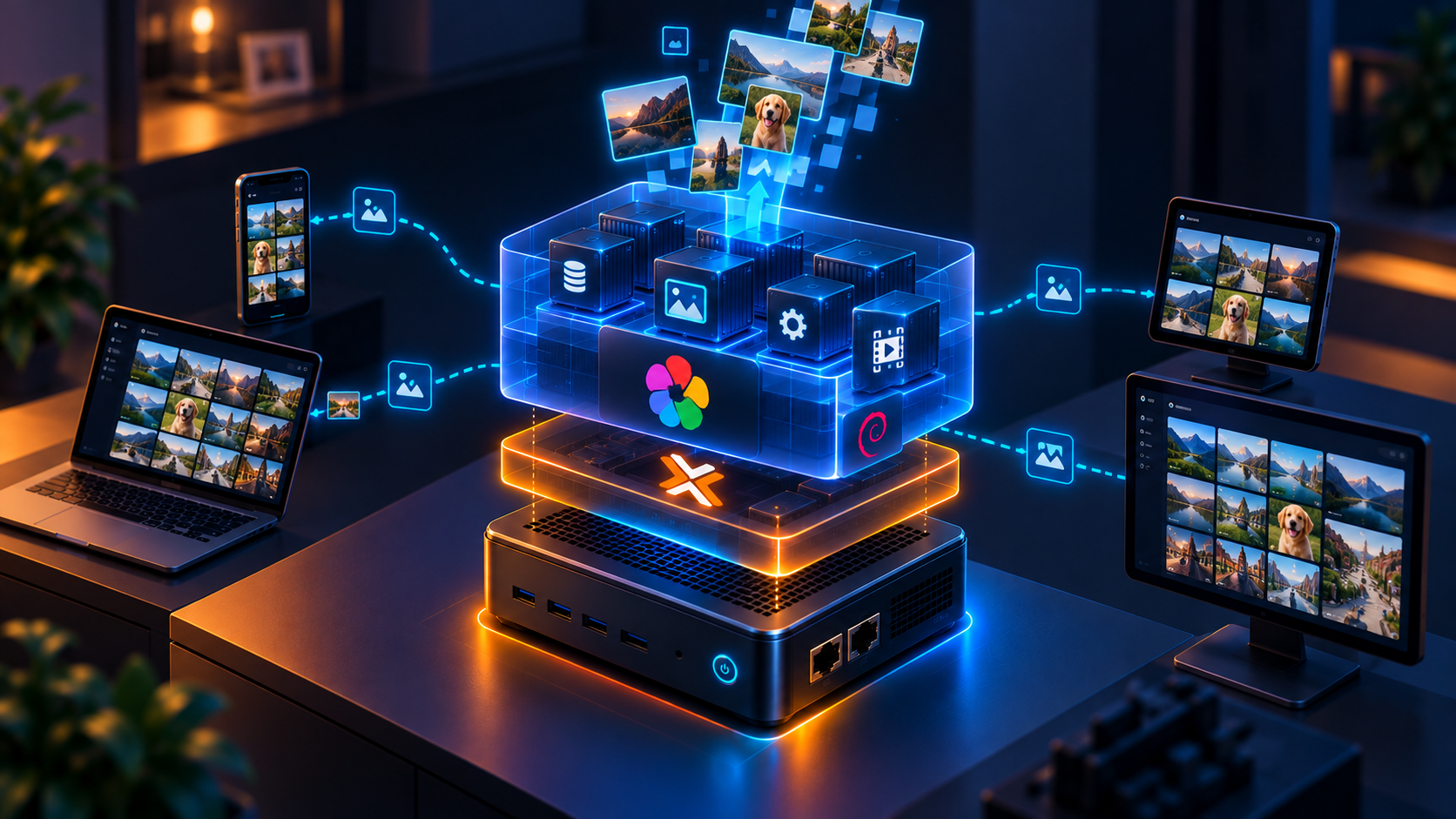
For this, I use Immich, a self-hosted photo and video management application. Immich runs as a container inside a dedicated Debian LXC on my Mini PC, which I call the Photo LXC.
All the photos are stored on a physical hard drive connected to my Mini PC. Proxmox mounts the drive and makes it available to the Photo LXC.
The only feature I disabled was Immich’s AI functionality for recognizing and grouping people’s faces, because it required too much RAM. To be honest, I do not care that much about that feature, so disabling it was an easy trade-off.
How the storage is connected
Proxmox mounts the external hard drive on the Mini PC and then passes that storage to the Photo LXC as one of its resources. Immich can then use the directory inside the LXC as the location for the photo library.
This keeps the application and its data logically separate. The LXC provides the environment where Immich runs, while the external drive provides the storage where the photos are saved.
Why use an external hard drive?
Photos and videos can take up a lot of space, especially when a library grows over time. Keeping them on an external hard drive means that I can assign the LXC only the resources it needs to run Immich, while the media files use a separate storage device.
In this way i’m planning to connect a 2nd HardDrive, and from Proxmox i will just create a CronJob that everynight sync files between the 2 Hard Disks, so i have a backup in case 1 HD fails.
The configuration
The Photo LXC uses Debian and has the following resources:
| Resource | Configuration |
|---|---|
| CPU | 3 cores |
| Memory | 4 GB + 2 GB swap |
| Storage | 16 GB |
| External HDD | 1 TB |
After a few weeks of activity, memory usage is still around 1 GB.
The important lesson: storage is part of the design
Running Immich is not only about starting a container. The most important decision is where the data lives and how the application reaches it.
By keeping the media files on the external hard drive and passing that storage through Proxmox to the LXC, I can treat the application and the library as two separate parts of the system. If I need to rebuild the LXC, the photo storage remains outside its local disk.
Need help setting up your own photo library? Or do you simply want to talk about this topic? Send me an email at myhomelabpost@mattao.net 😉